


How to manage street lighting? You can turn it on and off manually, but it's better to automate the process by installing special equipment. What devices are suitable for this – we'll tell you in our article.
Timers for lighting control
Timers are often used for automatic switching on and off of luminaires:
- A daily timer allows you to turn luminaires on and off at a set time.
- An astronomical timer is more advanced, as it takes into account the time of sunrise and sunset.
Timers are great for simple lighting systems, but they also have significant drawbacks: they do not take into account the level of illumination in clear and cloudy weather, and they tend to run fast or slow.
A more suitable solution is photocontrols (photo relays). They are designed for automatic control of luminaires depending on the illumination level and have high accuracy.
Types of photocontrols
There are two main types of photocontrols: with a built-in or remote photosensor. Each has its own advantages. Many prefer photocontrols with a built-in sensor: they are well protected from environmental influences and easy to install.
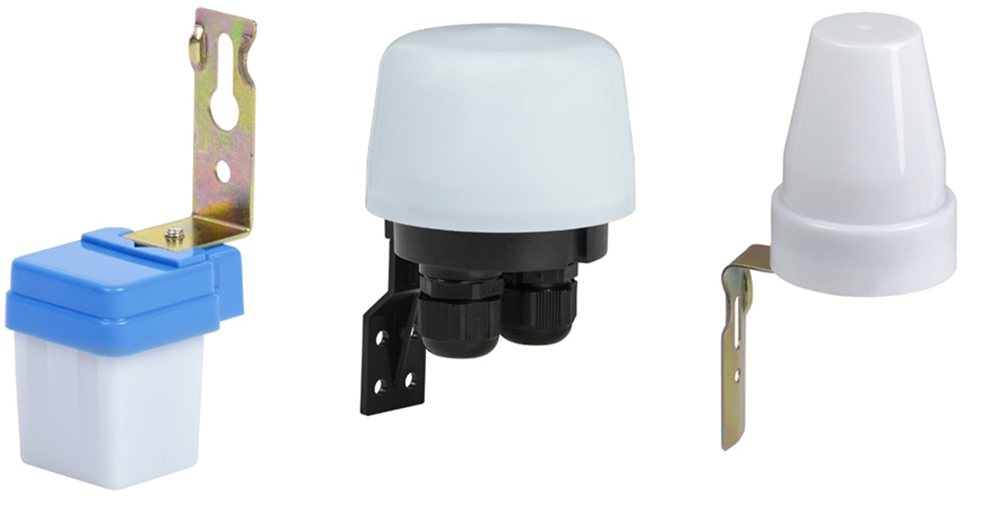
Examples of photocontrols with a built-in sensor.
Relays with a remote photosensor also have a number of advantages:
- The illumination adjuster is easily accessible, as it is located on the front of the device.
- Many models have several modes with the ability to quickly switch between them.
- Most photocontrols with a remote sensor have a modular design. This means they are easily mounted in a distribution panel on a DIN rail and hidden behind the front panel, which is convenient.
- Remote sensors are more compact and aesthetic.
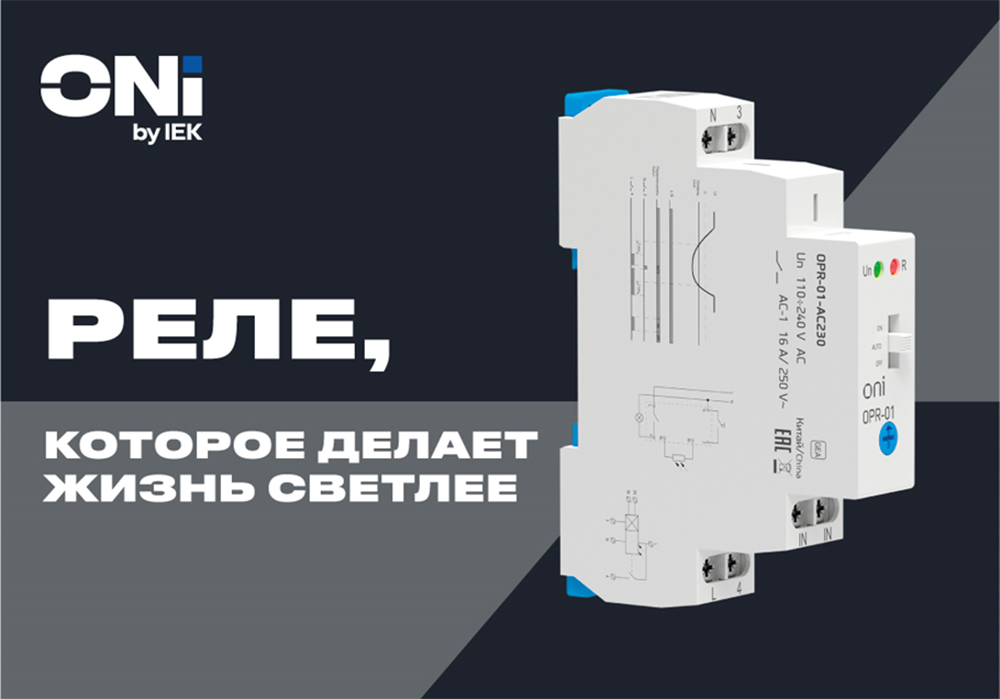
ONI photocontrols with a remote sensor have all the listed advantages. You can set a comfortable illumination level by setting the required tripping threshold. The relay is compact and quickly mounted on a standard 35 mm DIN rail. It is excellent for managing outdoor lighting in industry, construction, energy and transport infrastructure, as well as in households.
Operating principle of the ONI photocontrol with a remote sensor

Connection diagram of the ONI photocontrol with a remote sensor.
When supply voltage is applied to the L, N contacts, the device begins to analyze illumination using the remote sensor. If the value is below the permissible level, the NO contact (L and 4) closes after a time delay of 2 minutes. When the illumination level returns to normal values, the NO contact opens after a time delay of 2 minutes.
The tripping illumination level is adjusted using a rotary regulator on the front panel. Also, the ONI photocontrol has a remote lighting control function: to turn off the light, it is necessary to close contacts N and 3.
The ONI photocontrol with a remote sensor has 3 operating modes: permanently on, permanently off, and automatic operation (by sensor). A special switch on the housing is used to switch between modes.

Operation diagram of the ONI photocontrol with a remote sensor.
Still have questions? Ask ONI technical support specialists: support@oni-system.com, tel: